🎉 Up to 70% Off Selected ItemsShop Sale
HomeStore

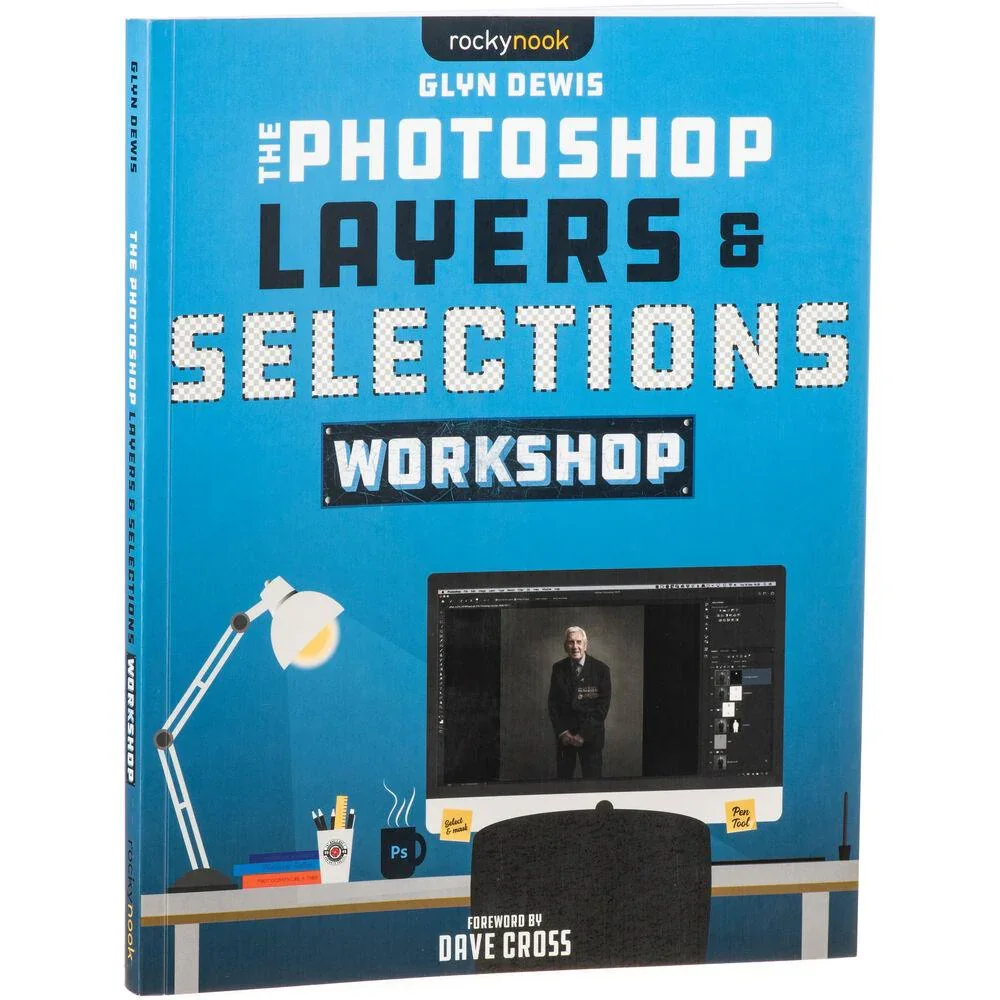
BOOK - Glyn Dewis The Photoshop Layers and Selections Workshop

Product image 1
Product image 2

BOOK - Glyn Dewis The Photoshop Layers and Selections Workshop

BOOK - Glyn Dewis The Photoshop Layers and Selections Workshop

The Photoshop Layers and Selections Workshop by Glen Dewis aims to empower its readers with a fundamental understanding and appreciation of one of Photoshop's most powerful tools. Encouraging users to further their photo editing journey past the basics, Dewis focuses on two key features of the software knowing that learning and mastering them will give you everything you need to maximize your creative potential.

Features

  • Start off with a detailed breakdown of the Photoshop Home screen and Workspace, including how to best set it up for your way of working

  • Grow your understanding of layers and learn how to maximize their potential in your selections workflow.

  • Conquer selections and cutouts by mastering the use of tools including Select and Mask, the Pen Tool, Channel Pulls, Vector Masks, Color Range, and more

  • Work your way through three selections workflows, combining tools and techniques to get the very best possible results.

  • Table of Contents

  • Chapter 1: The Photoshop Workspace

  • Chapter 2: Layers

  • Chapter 3: Selections and 101

  • Chapter 4: Selection Tools

  • Chapter 5: The Pen Tool and Vector Masks

  • Chapter 6: Select and Mask

  • Chapter 7: Sky Replacement

  • Chapter 8: Cleaning Up Selections

  • Chapter 10: Bonus Content
  • $23.49
    BOOK - Glyn Dewis The Photoshop Layers and Selections Workshop
    $23.49

    Product Information

    Shipping & Returns

    Description

    The Photoshop Layers and Selections Workshop by Glen Dewis aims to empower its readers with a fundamental understanding and appreciation of one of Photoshop's most powerful tools. Encouraging users to further their photo editing journey past the basics, Dewis focuses on two key features of the software knowing that learning and mastering them will give you everything you need to maximize your creative potential.
    Features

  • Start off with a detailed breakdown of the Photoshop Home screen and Workspace, including how to best set it up for your way of working

  • Grow your understanding of layers and learn how to maximize their potential in your selections workflow.

  • Conquer selections and cutouts by mastering the use of tools including Select and Mask, the Pen Tool, Channel Pulls, Vector Masks, Color Range, and more

  • Work your way through three selections workflows, combining tools and techniques to get the very best possible results.

  • Table of Contents

  • Chapter 1: The Photoshop Workspace

  • Chapter 2: Layers

  • Chapter 3: Selections and 101

  • Chapter 4: Selection Tools

  • Chapter 5: The Pen Tool and Vector Masks

  • Chapter 6: Select and Mask

  • Chapter 7: Sky Replacement

  • Chapter 8: Cleaning Up Selections

  • Chapter 10: Bonus Content
  • You may also like

    -70%NEW
    Thumbnail 1

    Godox Remote Control for SL150II, SL200II, FV150, FV200, LF308

    $14.00

    $4.20

    -70%NEW
    Thumbnail 1Thumbnail 2

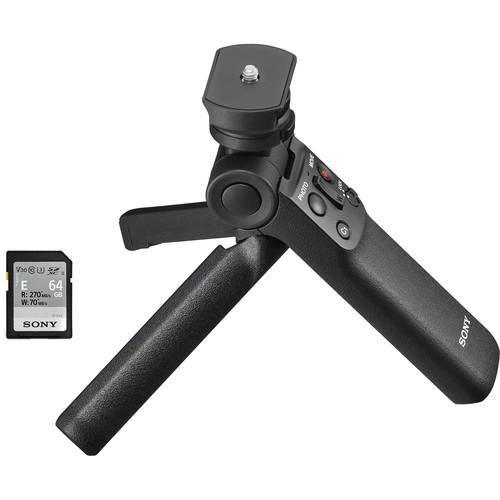
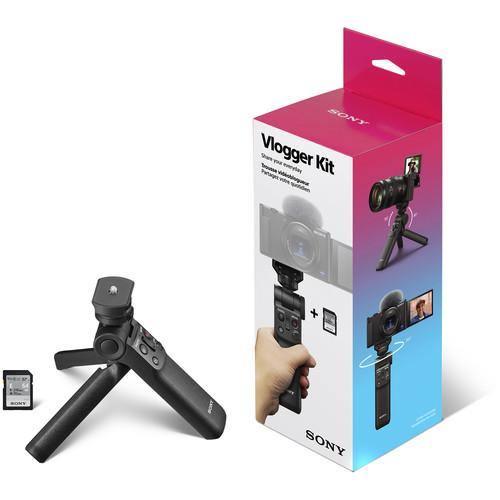
    Sony Vlogger Accessory Kit

    $158.00

    $47.40

    -70%NEW
    Thumbnail 1

    ProMaster 2-Axis Bubble Level

    $9.95

    $2.98

    -70%NEW
    Thumbnail 1

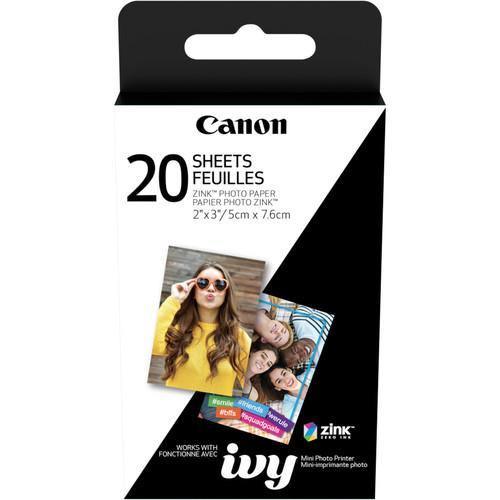
    Canon ZINK Photo Paper Pack - 2x3" (20 Sheets)

    $10.99

    $3.30

    NEW
    Thumbnail 1

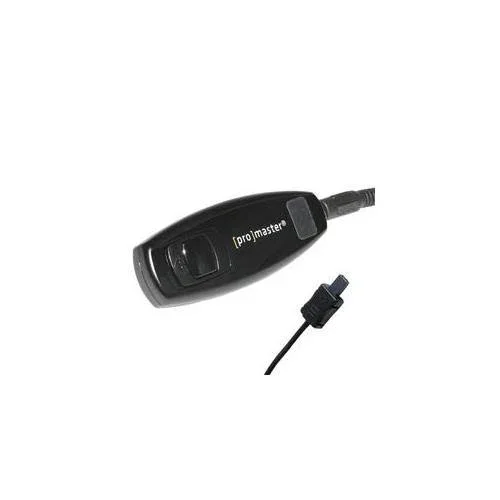
    ProMaster Wired Remote Shutter Release Cable for Nikon MC-DC2

    $24.95

    -70%NEW
    Thumbnail 1

    ProMaster OpticClean Deluxe Care Kit

    $11.95

    $3.58

    NEW
    Thumbnail 1

    ProMaster Camera Release Cable for Sony Multi-Terminal

    $11.95

    -70%NEW
    Thumbnail 1

    Canon PFI-1000 LUCIA PRO Ink Tank Set (80ml) - 12-Pack

    $688.45

    $206.53

    NEW

    Tether Tools Starter Tethering Kit with USB 3.0 Type-B Cable (Orange)

    $79.77

    -70%NEW
    Thumbnail 1

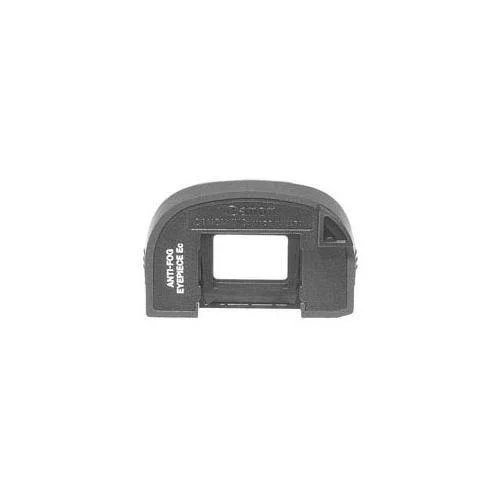
    Canon Ec Anti-Fog Eyepiece for EOS 1 Series Cameras

    $29.00

    $8.70

    -70%NEW
    Thumbnail 1

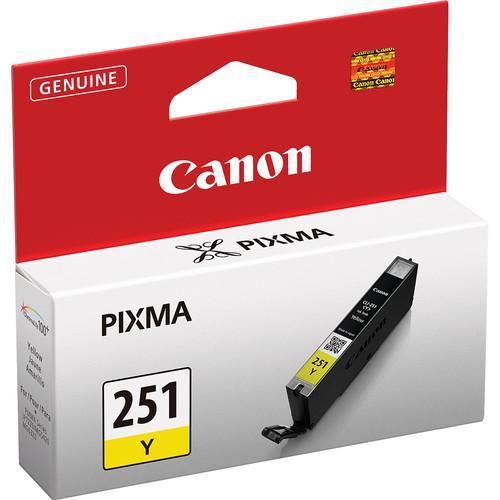
    Canon CLI-251 Standard Capacity Yellow Ink Tank

    $16.00

    $4.80

    -70%NEW
    Thumbnail 1

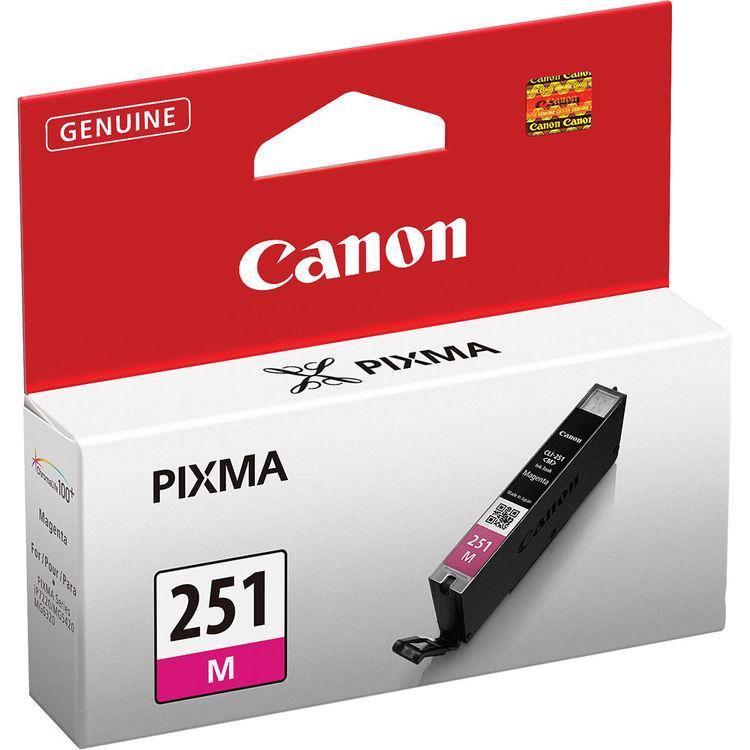
    Canon CLI-251 Standard Capacity Magenta Ink Tank

    $16.00

    $4.80